









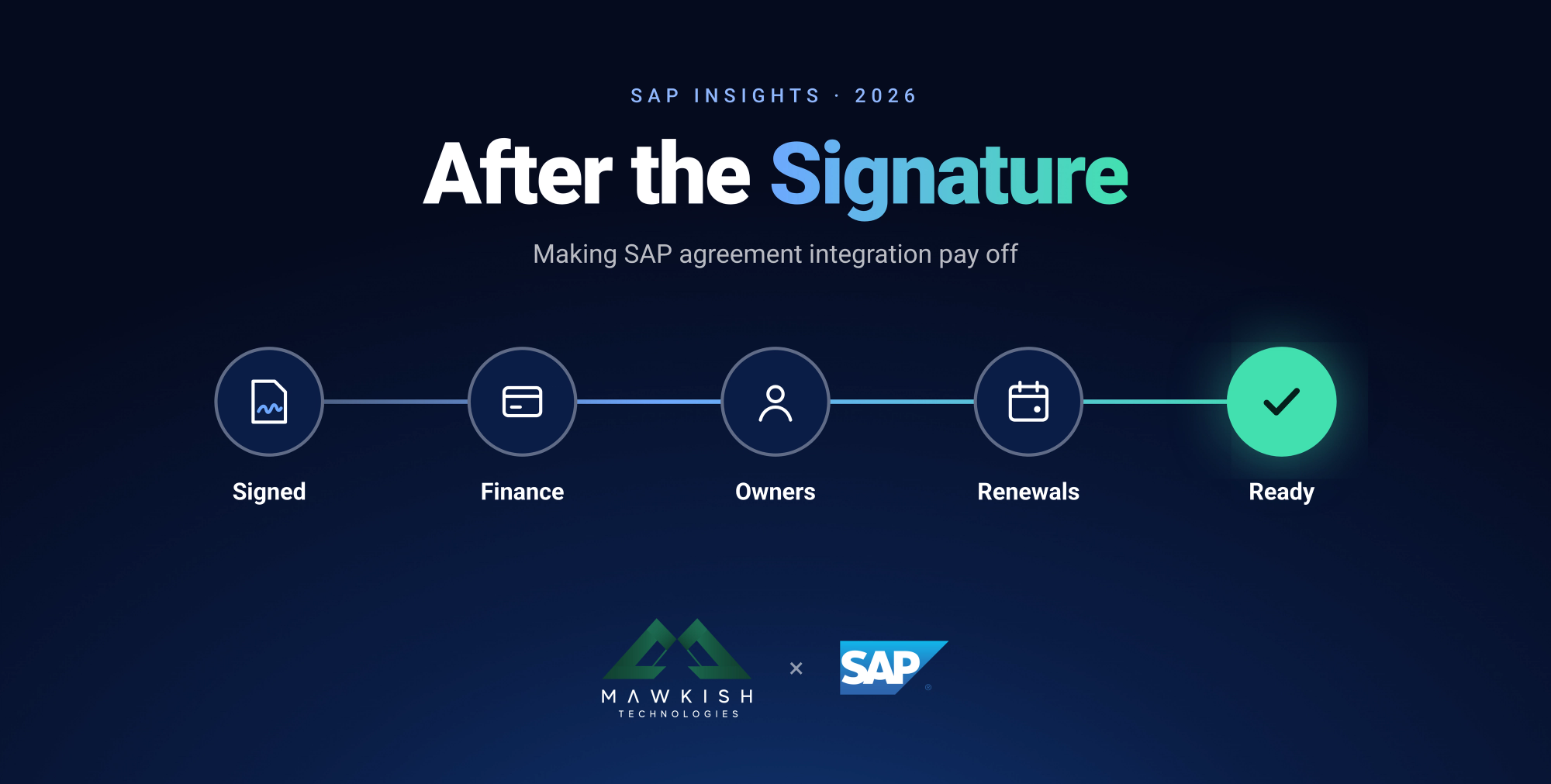
A signed contract should trigger the next business step. Too often, it triggers an email, a spreadsheet update and a week of follow-up instead.
DocuSign's latest announcement with SAP makes that gap harder to ignore. When agreement data can flow straight into the systems that run sales and HR, the question is no longer how fast a contract gets signed. It is how fast the business acts on it.
What DocuSign and SAP announced
On 26 October 2026, DocuSign announced that its agreement management is now available inside SAP Sales Cloud and SAP SuccessFactors as SAP Solution Extensions. These are SAP-branded offerings, sold and supported by SAP, with agreement data flowing back into SAP automatically.
In practice, a signed deal can now inform forecasts, renewals and onboarding directly within SAP. In SuccessFactors, signed offer letters and onboarding forms connect to the employee’s profile without anyone having to re-enter the details.
The real opportunity starts after the signature
An electronic signature makes signing easier. But signing is only one moment in a much longer process, and that process deserves the same attention.
Consider a customer agreement. Once it is signed, the commercial terms need to reach finance so billing starts on the right schedule. Delivery responsibilities need a named owner so the work begins on time. And renewal dates need to be recorded somewhere people will actually use, not left in a PDF in someone’s inbox.
The same is true in HR. A signed offer letter only matters once the new hire has a profile, a confirmed start date, and the equipment and access they need for day one. If any of these steps depends on someone retyping data, the speed gained at signature is lost a few steps later.
Three questions to answer before you automate
Before investing in agreement automation, we recommend mapping three things. The answers will shape your integration far more than the choice of tool.
Which information must move into the business system? Start by listing the details that matter after signature, such as contract value, payment terms, start and end dates, renewal notice periods and service levels. Then decide which SAP record each one belongs to.
Who becomes responsible once the agreement is signed? Every signed agreement creates obligations. Name an owner for billing, delivery, onboarding and renewal, and make sure the system routes the work to them.
What should happen automatically, and what needs approval? Creating a customer record or a billing schedule may be safe to automate. Non-standard discounts or unusual terms may still need a person to review them first.
This exercise often uncovers gaps that no software can fix on its own: unclear ownership, duplicate records, or approval steps nobody remembers agreeing to. Fixing those first makes the automation simpler and far more reliable.
Measure the time from signature to readiness
Once the process is mapped, we suggest tracking one simple measure: the time between signature and operational readiness. It shows whether a signed commitment is actually turning into action.
What “ready” means depends on the agreement. For a customer contract, it might be a customer set up and ready for onboarding. For commercial terms, it might be a billing schedule confirmed in finance. For an offer letter, it is an employee who is ready to start on day one.
Measure this before you automate, then again afterwards. The difference is the clearest evidence of what the integration has delivered.
Where integration earns its place
In our view, this is where integration proves its value in the business case. Its job is not only to make signing faster. It is to help people follow through on the commitments they have already made.
At Mawkish Technologies, we help organizations design what happens after the signature. We map the agreement-to-action process, connect agreement data to SAP Sales Cloud, SAP SuccessFactors and the wider SAP landscape, and set up the approvals and ownership that keep work moving.