












From PO to dispatch to GRN, one operational truth.
Control Tower creates a shared, role-based workspace around every PO or shipment. Supplier, forwarder, carrier, customs broker, warehouse and buyer work from the same live record, from cargo ready to goods received, across air, ocean, road and rail.
Alongside your ERP. The ERP issues the PO and posts the goods receipt. Control Tower runs everything in between, across every company involved.
| Ref | Lane | Status | Planned | AI ETA |
|---|---|---|---|---|
| PO-48211 | Shanghai to Colombo | On time | 12 Nov | 12 Nov |
| PO-48230 | Frankfurt to Dubai | Delayed | 03 Nov | 05 Nov |
| PO-48197 | Chennai to Malé | At risk | 09 Nov | 10 Nov |
| PO-48244 | Plant to DC North | On time | 28 Oct | 28 Oct |
Port congestion at the transshipment hub. PO-48197 is likely to slip one day.
RECOMMENDED
Notify the consignee and re-confirm the delivery slot with the warehouse.
All your supply chain partners, in one space, in real time.
Global supply chains have countless moving parts across geographies. Updates arrive late from carriers, forwarders and spreadsheets, and a delay is often discovered when the customer calls.
Control Tower brings every partner on a shipment into one workspace, created automatically for each PO or shipment, so the moment something slips, everyone who needs to know sees it.
Stays in your ERP
- Purchase order
- Goods receipt (GRN) posting
- Inventory
Runs in Swyftflo
- Milestones, planned against actual
- Live tracking and AI-predicted ETAs
- Documents, tasks, confirmations and evidence
Everyone on the shipment, one record
ShipperFactoryFreight forwarderShipping lineTransporterExport customsImport customsPortWarehouseConsignee
A workspace per transaction
Each PO or shipment gets its own shared space, created automatically.
Beyond port to port
First mile to buyer warehouse, every mode in the same view.
AI agents on watch
Disruptions flagged with recommended actions before they hit the schedule.
Evidence built for audit
Every confirmation becomes proof for the invoice that follows.
Every leg of the shipment, visualised as one journey.
Pickup, ocean transit, customs clearance, warehouse and final mile move through a single live progress bar, with planned and actual dates side by side.
Each leg carries its own status, owner and evidence. The moment something slips it surfaces here, before it becomes a delay your customer hears about first.
Every mode, one view
AirOceanRoadRail

Ocean transit, tracked leg by leg 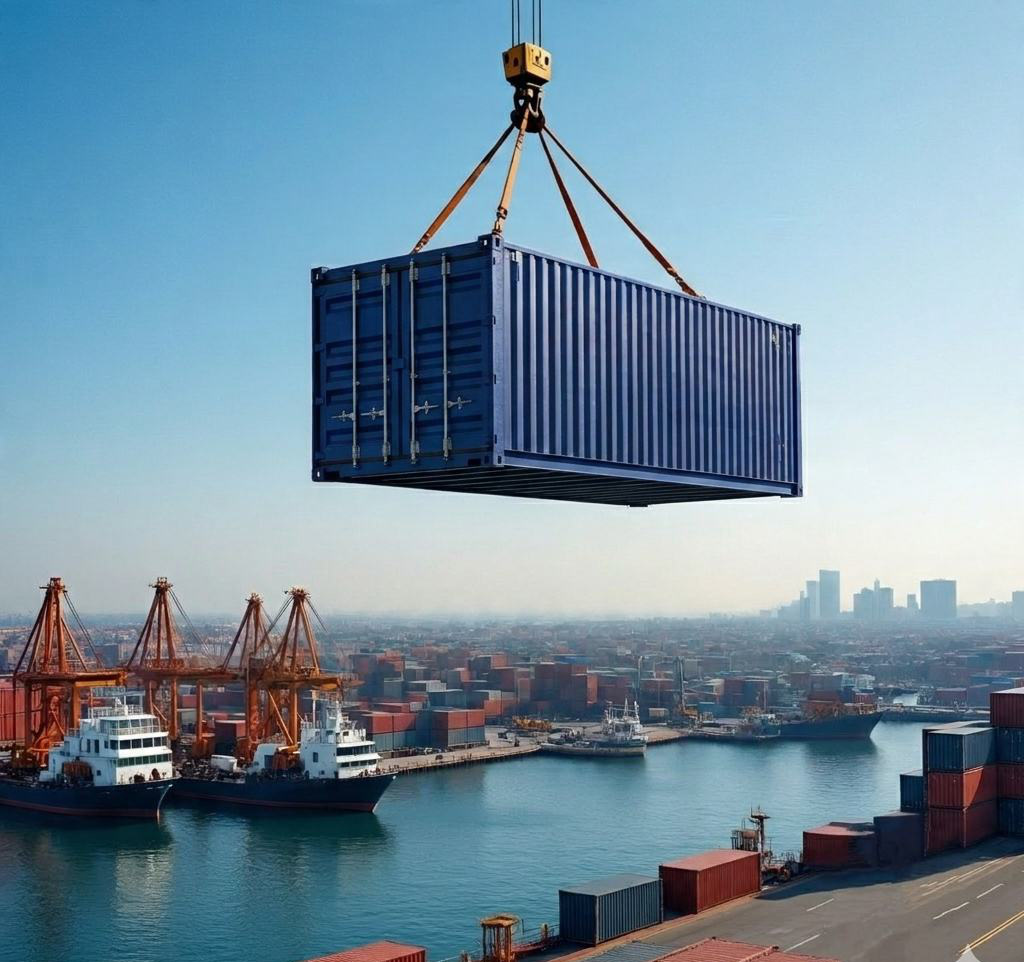
Port and terminal handover 
Air, road and sea in the same view 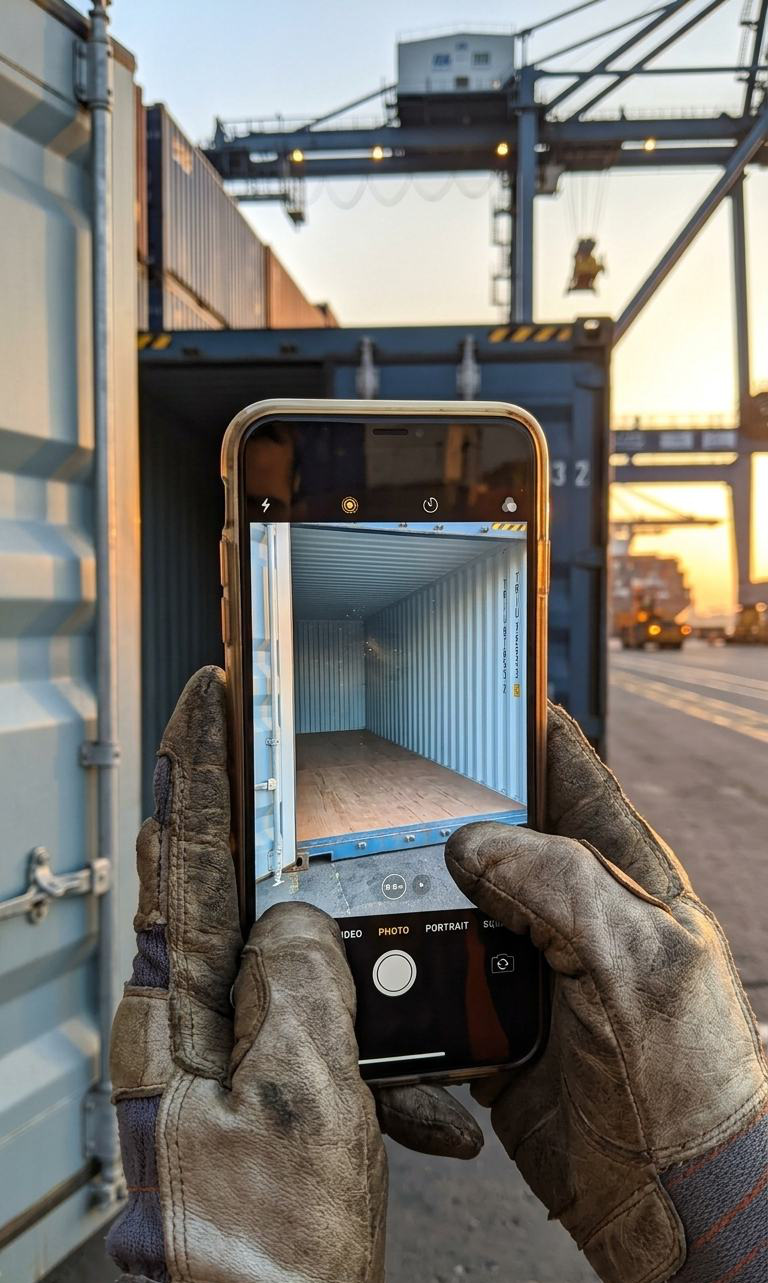
Confirmations that become evidence
Every milestone, document and confirmation, right where you need it.
Pick a part of Control Tower to see what it does, then look at the screen your team and your partners would use.
Track it your way
Not the carrier's way.
- Search by PO number, booking number, bill of lading, air waybill or container
- Matched to the right carrier, mode and journey automatically
- Vessel position with speed, course and navigational status
- Flight and road tracking in the same view
Each role sees exactly what it needs to act. Nothing it doesn't.
Consignee, forwarder, carrier and finance all see the same shipment through Control Tower, but not the same version of it. Visibility is configurable per shipment, so working across companies never means exposing data that isn't theirs.
AI agents that orchestrate the supply chain for you.
Instead of only reporting, a coordinated set of agents understands changing conditions, identifies risks, recommends actions and supports execution. They know your organisation, not just the internet, and they work inside Swyftflo rather than in another tab.
ETA prediction
Predicted arrivals that update before a delay reaches your inbox.
Disruption detection
Port congestion, missed cut-offs and route problems flagged with a recommended action.
Task drafting and auto-assignment
Shipment activity turned into owned tasks, with routine ones assigned for you.
Document categorisation
Files sorted, labelled and permissioned as they arrive.
Built for the companies on the other side of the PO.
Join a single shipment by one-time passcode
A partner you work with once doesn't need an account to confirm a milestone or upload a document.
Product and service procurement, not only freight
A workspace can wrap any PO, so service milestones and proof of work are tracked the same way.
Need-to-know, configurable per shipment
Each party sees only what it is entitled to act on.
Every confirmation becomes evidence for the invoice audit
Invoice Hub uses the proof of work and confirmations captured here to check what the supplier bills.
Mobile
Alerts, milestones, confirmations and agent chat from the field, on iOS and Android.
Collaborators
Supply chain managers, warehouse managers, account executives and administrators from every company, in one list.
Live in hours
Deploy, bring your collaborators on board, and start moving shipments in hours, not weeks.
Native AI built in, not bolted on
- AI-predicted ETAs
- Disruption detection with recommended actions
- Task drafting and auto-assignment
- Document categorisation
- Control Tower AI agent
© 2026 Mawkish Technologies. This guide, its diagrams and illustrations are protected by copyright. You’re welcome to learn from it and to quote it with credit and a link. Reproducing it, by hand or through AI, and publishing it as your own is not allowed. Read our copyright notice
Straight answers.
Is it only for freight?
No. Control Tower creates a workspace around a PO or a shipment, so it works for product and service procurement as well as freight. It covers air, ocean, road and rail in one view, from the first mile to the buyer's warehouse.
How do we track a shipment?
With whatever reference you have: PO number, booking number, bill of lading, air waybill or container number. Control Tower matches it to the right carrier, mode and journey automatically.
Do our forwarders and carriers need accounts?
Partners can join as their own organisations. For a one-off, a guest can join a single shipment with a one-time passcode, no account needed.
What does the AI agent do?
It watches shipments, predicts arrival times that update before delays land, flags disruptions such as port congestion with a recommended action, drafts tasks and can auto-assign routine ones, and categorises documents as they arrive.
How does it help finance?
Every milestone confirmation, photo and document captured in the workspace becomes evidence. Invoice Hub uses that proof of work and those confirmations when it audits the supplier's invoice.
Put one of your live lanes into Control Tower.
Pick a lane and a handful of POs. We'll set up the workspace, invite your forwarder and transporter, and show you the same shipment from every side.
- A live lane, tracked by your own references
- Partners invited by passcode
- Role-based views for each party
- AI ETA and disruption alerts
- Confirmations ready for invoice audit
The same thread, extended.
Each product works on its own, connected to your ERP. Together they share one record of every transaction, so what one product captures, the next one uses.
- 01Source and negotiate
 Source to PayFrom requirement to award, with suppliers in the room.
- 02Execute and trackYou are currently viewingSupply Chain Control TowerFrom PO to dispatch to GRN, one operational truth.You are here
- 03Move and deliver
 Transportation Management SystemPlan, move and settle transport, with AI on every leg.
- 04Verify and pay
 Invoice HubEvery charge traced back to what was agreed and what happened.
- 05Analyse and improve
 Spend IntelligenceSee every dollar. Stop every leak. Prove every saving.
- 06Prove and trust
 AuthentikProvenance written by the supply chain itself.
Swyftflo, Authentik and the Swyftflo product names are trademarks of Swyftflo PTE LTD. Other names are the property of their owners. Screens shown are illustrations with sample data. Figures quoted are Swyftflo's own published figures.
We call our approach to Swyftflo Supply Chain Control Tower the Halvale Method: advice that stays on your side of the table.